


Church video editing service: You shot the footage. We'll craft the story.
Bumpers, recaps, testimonies, and the vertical cuts that come out of them. Upload what you captured on Sunday and get an edit back.



recent work
Press play on actual projects.
- Trinity Church
- Mosaic
- Mosaic
- Calvary Church
- Champions Centre
- Pathway Church
- Providence Church
- MStar Church
what we edit
The formats church life actually generates.
A sermon, a testimony, a baptism, an event recap, and a week of vertical cuts. They are different edits, not one file resized.
Sermon bumpers
The 20 seconds before the message that set the tone and buy your speaker a clean start.

Event recaps
Camp, retreat, baptism Sunday, and mission trips, cut down to something people will actually finish.

Testimony films
Interview footage edited into a story, with the pauses and the false starts taken out.

Announcement videos
The thing you would otherwise read from the stage, made watchable.


Motion graphics
Lower thirds, titles, countdowns, and logo animations built on your brand.
How your month of video editing works
For a church video editing service, your team films and we edit what you send. The plan is Graphics + Video at $1,697 a month on a 12-month agreement. You'll get 2 videos a month on it, and so does every plan with video.
What counts as one video
Short or long, a new video is a new video. Your sermon bumper, event promo, testimonial and lyrics video each count as one, and there's nothing hiding in the fine print.
Three more versions included
Need the sermon bumper shorter for social, or squared up for another feed? Up to 3 more versions of any video are included, any time, and they don't add to your count. A sermon bumper, a 15-second cut and a square version are 1 video.
How the monthly video number works
Every plan with video comes with 2 videos a month. If your church needs more, the number steps to 4, 6 and 10. A heavy month isn't a problem: extra videos wait in the queue with an estimated start date and count toward next month.
- a video project for Countryside Christian Church

- a video project for Foundations Church
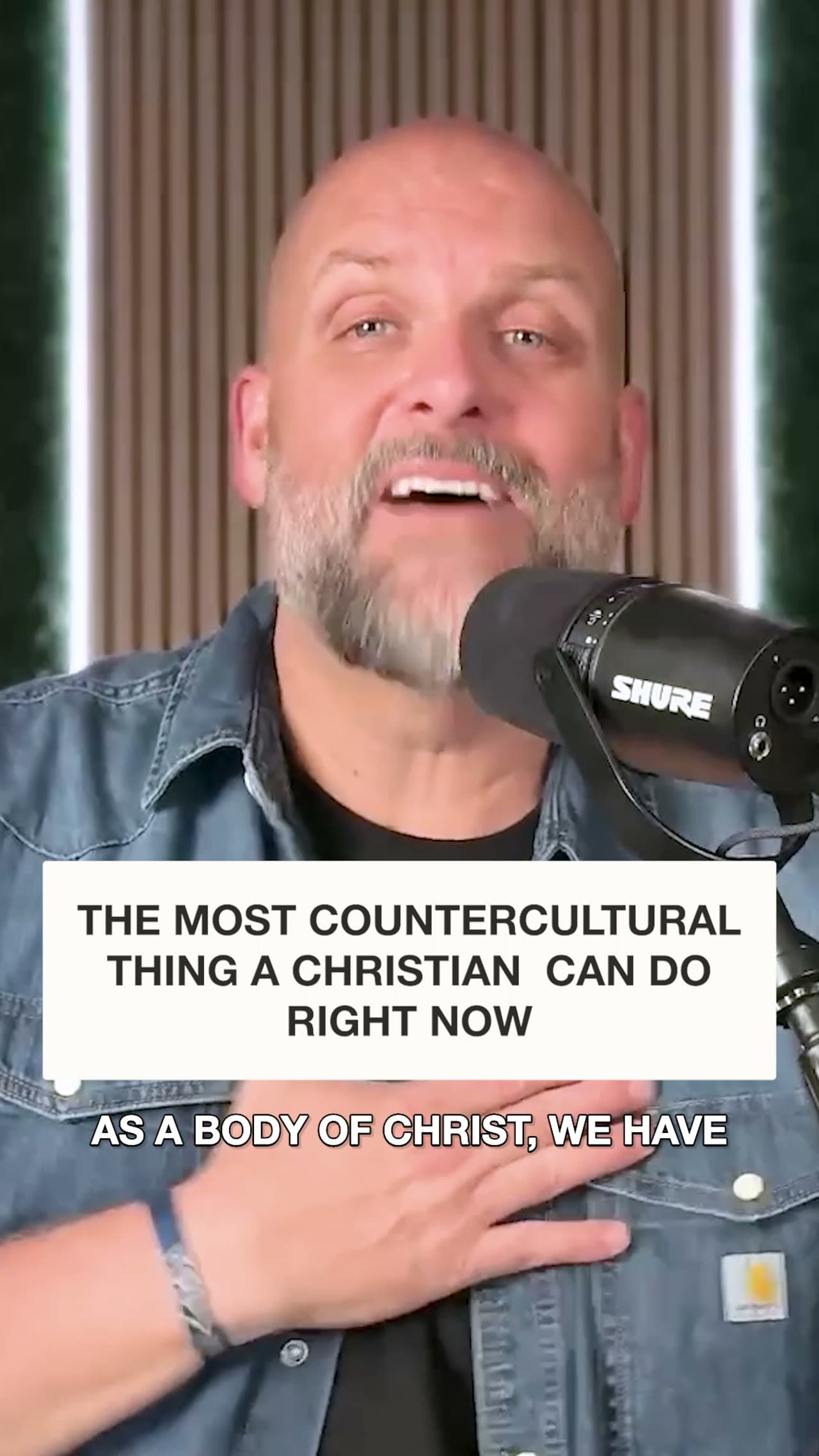
- a video project for Eastpoint Church
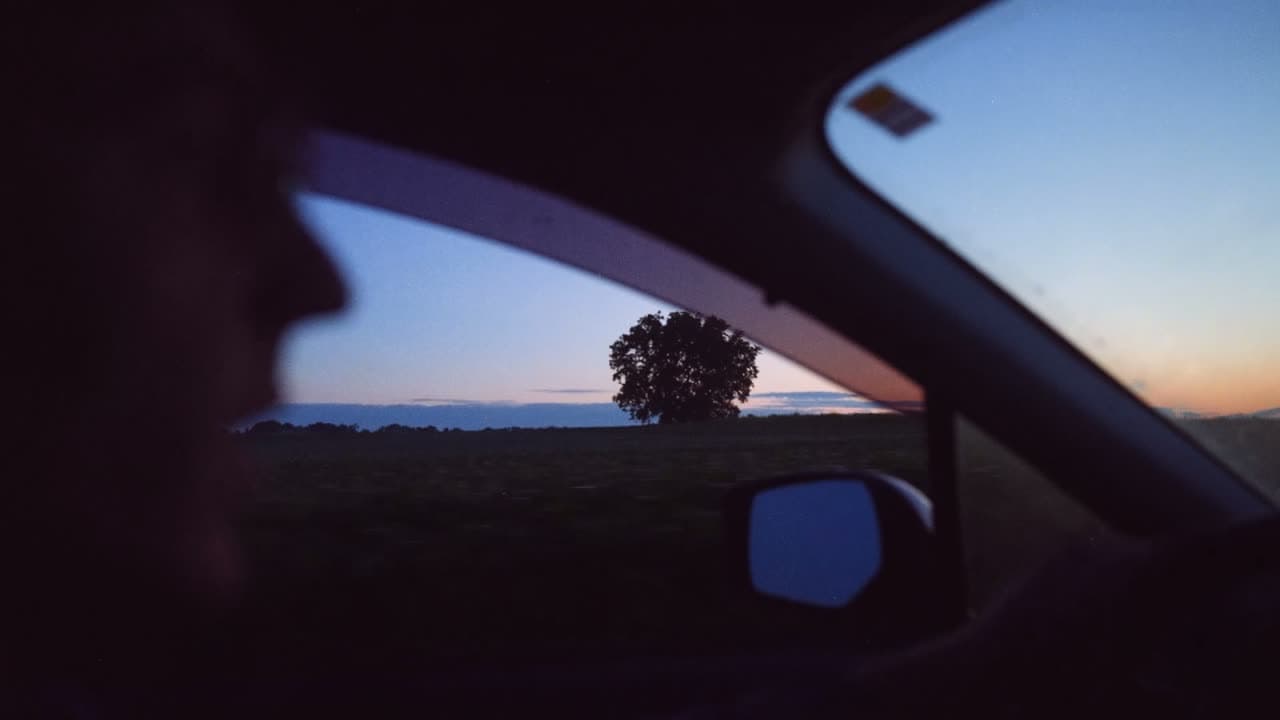
- a video project for CityBridge Community Church

how it works
Upload Sunday, review on a schedule.
The part churches usually find hardest is knowing when it will be back.
- Step 1
Send the footage
Raw files, a camera card export, or a shared drive link for anything large. Send the originals rather than a compressed export, because we can work down from a big file and not up from a small one. - Step 2
Tell us the cut
Length, where it is playing, and what it needs to do. A stage bumper and a reel are not the same edit. - Step 3
Watch the first pass
You review the edit and send timestamped notes rather than describing a moment from memory. - Step 4
Get every version
Horizontal for the room, vertical for social, and the project files, all yours to keep.
who it's for
For churches with footage and nobody to cut it.
The camera part is usually solved. It's the edit where Sunday's video sits on a hard drive until somebody finds an evening for it.
- A volunteer camera teamThey shoot well and they're gone by Monday morning. We pick up the file and send back the cut.
- A pastor who wants sermon clipsThe message is already recorded, and pulling the moments worth sharing out of it is the part nobody has time for.
- A church launching a seriesThe bumper, the promo, and the recap all land inside the same two weeks. That stretch is what an editing queue is for.
- A church with one editorYour editor keeps the projects that need them in the room, and the rest come to us.
Meet the people editing your footage
When your team sends its Sunday footage, it lands with our Video Squad. That's a group of video designers and leads, with a Director running the whole team. They don't film for you, they edit what your people capture. Maple City Chapel is one of the churches whose reels they cut.






questions
Questions churches ask about handing over footage.
Billing and how a project moves through production are answered on our FAQ page.
What kinds of video do you edit?
Sermon bumpers, event recaps and promos, testimony films, announcement videos, countdowns, and the vertical cuts pulled out of a message. You send what you captured and we handle the edit.
How far ahead should we send video work?
Two weeks for a bumper, a recap, or an announcement video. Full sermon production works differently: files in by 10am Eastern on Monday come back by end of day Tuesday.
Do you send someone to film our services, or just edit?
Your team films and we edit. Churches capture their own footage on Sunday, whether that's the sermon, a baptism or the worship set, and send it to us. Our shot list post and our filming guidelines help the volunteers behind the camera know what to grab, so what reaches our editors is ready to work with.
Does a sermon bumper count as a graphic or a video?
Your sermon bumper counts as a video, not a graphic. It's a video of its own, separate from the series graphics. Everything built from it comes with it: a shorter cut for social, a square size, a new date or name. That's up to 3 more versions, and none of them count again.
Can we post the finished video anywhere without a music copyright problem?
Yes. The music in our edits is royalty-free and licensed for the web, social media and use in services, so you can post the video on your channels and play it on Sunday. The standard license doesn't cover broadcast TV. If a platform's automated check flags a video, that's normal. You can usually clear it by disputing the flag, and we'll send the license documents if you need proof.
Can we use our own song in a church video?
Yes, you can use your church's own song in a video. If the song isn't covered by your standard worship-song license, it may need its own license, and that's something your church arranges. If you'd rather have a different track than the one we picked, just ask and we'll try another.
Is there a length limit on the videos you edit?
Most of our videos run up to about 15 minutes. If you've got something longer, like a podcast or a long-form sermon edit, we can arrange it when a few guidelines are followed. Reach out and we'll walk you through them.
Do you add captions or subtitles to our church videos?
Yes. Captions come standard on projects 15 minutes or under, so you don't have to ask for them. If your video runs longer, just ask us and we'll add them. They help most when someone's watching on a phone with the sound off, which is how a lot of people see church videos.
How do we send you our footage and files for a video?
Upload your footage and files with your project request. If a file's too large, compress it first or send it in batches. And if something's missing, we'll say so right in the project, so you aren't left guessing about what we still need.
What can we still change after we approve our main video?
Once your main video is approved, changes to the pieces we make from it are limited to text, timing and size. If you want a different overall look, that's a new project. So it helps to share your logos, fonts, brand guides and examples up front, before we start.
How should we film video before sending it to you?
Shoot horizontally unless the piece is for stories or reels, get the microphone close to whoever is talking, and light faces from the front rather than the window behind them. Those three cover most of what comes back needing a reshoot. The two guides below go through the rest, including framing, file formats and what to send us.
What does our plan include for graphics and videos every month?
Depending on the plan, you'll get anywhere from 5 up to 15 graphics a month, and every plan with video includes 2 videos. Your count resets on each billing date, and up to 2 unused graphics and 1 unused video carry over. We don't count revisions, other sizes or text updates on earlier work. Remix templates and ChurchCreate don't count either. On All-In and All-In Premium, website support, brand support and the social media we make for you sit outside the number. If a church sends its whole month in one go, we have the option to spread the work across the month, so not all of it may come back right away.
What if we don’t like a design?
Send it back and we will fix it, at no extra charge. Most churches find the Squad learns their taste within the first few projects.
What happens to a project after we submit it?
It lands in Open, and our project manager moves it from there: into Received once we have everything we need, or into More Info Needed if something is missing. Leave it where it is in either case, because moving it yourself is how a project gets lost. When your designer finishes, it moves to a column with a Dropbox link to your files, and you either approve it or send feedback. The walkthrough below has the whole board.
Who is actually doing the work?
A real Squad of church creatives, many of them former church staff who have run a communications calendar themselves. You are not routed to a different stranger each week.
Who owns the work?
You do, including the editable source files, and it stays yours whether or not you remain a member.
“I can expect to see a video when they say it's gonna happen. To me, that's super rare.”
plans
Video starts on Graphics + Video.
The entry tier is graphics only, so video begins one step up and carries through the rest.
- All-In Premium$3,997/moOn a 12-month agreement. 15 graphics and 2 videos each month.Everything in All-In, plus a full website build, ministry branding, and social media scheduling.Schedule a Call
- All-In$2,997/moOn a 12-month agreement. 10 graphics and 2 videos each month.Your church's fully integrated creative partner.Schedule a Call
- Graphics + Video$1,697/moOn a 12-month agreement. 5 graphics and 2 videos each month.Best for churches who capture their own stories but need editing support.Start a Free Trial
Rates shown are the 12-month agreement, billed monthly. Monthly payment plans and annual, up-front discount plans also available. Compare every plan.
Get more time for ministry. More creative support for everything else.
Hand your church’s graphics, video, social, branding, and website to a Squad that already knows how church weeks work.

Book the call because the creative is getting made either way. The only open question is who spends the weekend making it.
Join 3,000+ churches we’ve served since 2017.